OpenSOC: Setting up the SIEM (Wazuh Server)

For the first part of the series, we are going to setup wazuh server. Wazuh is an open source SIEM that can be used to detect, manage and respond to security incidents. It is basically a glorified log analysis tool. There are other SIEMs like Cisco Splunk, Microsoft Sentinel, Google Chronicle, IBM Qradar and more.
But for our opensoc project I picked wazuh due to two reason
- It is free so most of you can follow along without needing to get a license or some kind of lobotomized trial where you need to add your credit card info or something like that.
- It is dead easy to setup and get going so it is more privacy friendly than the other options we have.
So enough, BS. You can do your research if you want to know more or you can just fuck off.
Here is how you setup wazuh. You can read the official documentation if you need to be upto date but here are the setup instruction we are going to follow for wazuh.
- Get yourself a debian or ubuntu iso for the server os.
- Get yourself a device or a vm to install this, you can check out to set up a
VM for debain or ubuntu almost any where on the internet.The minimum
requirements for the instance is:
- CPU: 8 cores
- RAM: 8G or higher
- Disk: 100G or higher
- After getting yourself a vm, install wazuh using the quckstart script they provide.
curl -sO https://packages.wazuh.com/4.14/wazuh-install.sh && sudo bash ./wazuh-install.sh -aThis will setup wazuh and give you the credential you need to access the wazuh
dashboard. The username and password are also saved in the .tar file that was
created during installation.
Once installed, you should go to that client’s IP address in you browser and
login. (sometime people get error on this on chromium based browser so use
something better like firefox also use https instead of http which can also
cause known issues.)

Now login using the id admin and the password provided during the installation.
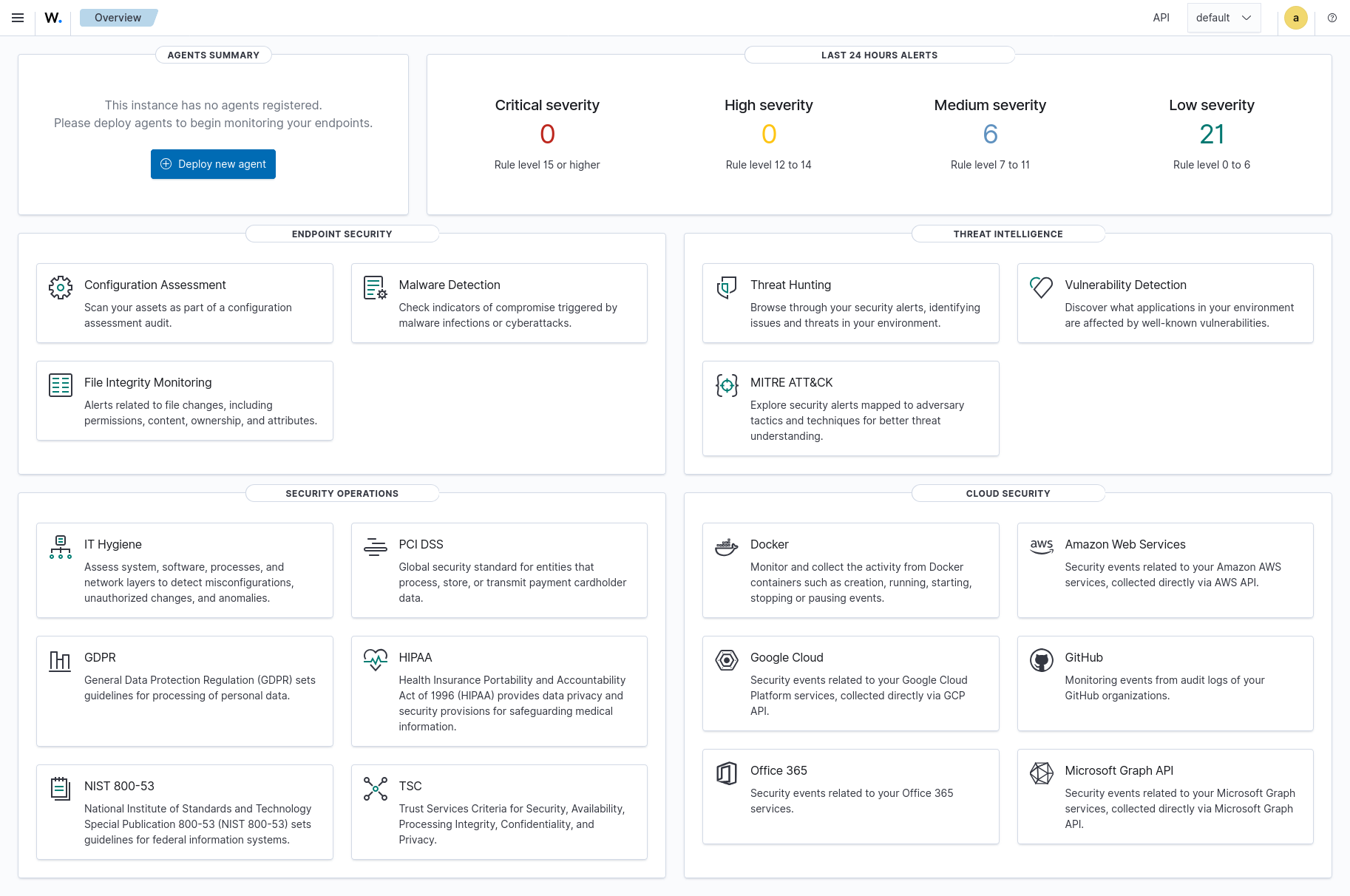
If you dont have the password, you can find it here:
sudo tar -axf wazuh-install-files.tar wazuh-install-files/wazuh-password.txt -O | grep -P "\'admin\'" -A 1Now get a good look at your wazuh dashboard and learn a bit of what it does and how it does it so that in the next blog when we setup the agents, you dont feel like a doodoo.
signing key
fingerprint:
06AF 0645 BB54 6A04 9114 9E01 37EC 725D 9DD3 E2EB